Free and open source · For macOS
A picture is worth 1000 words, make sure you can find the right one
For photographers who'd rather be shooting than sorting. Brackets stack themselves, search finds what's in your photos, and syncing just works, so you can focus on the stories your pictures tell.
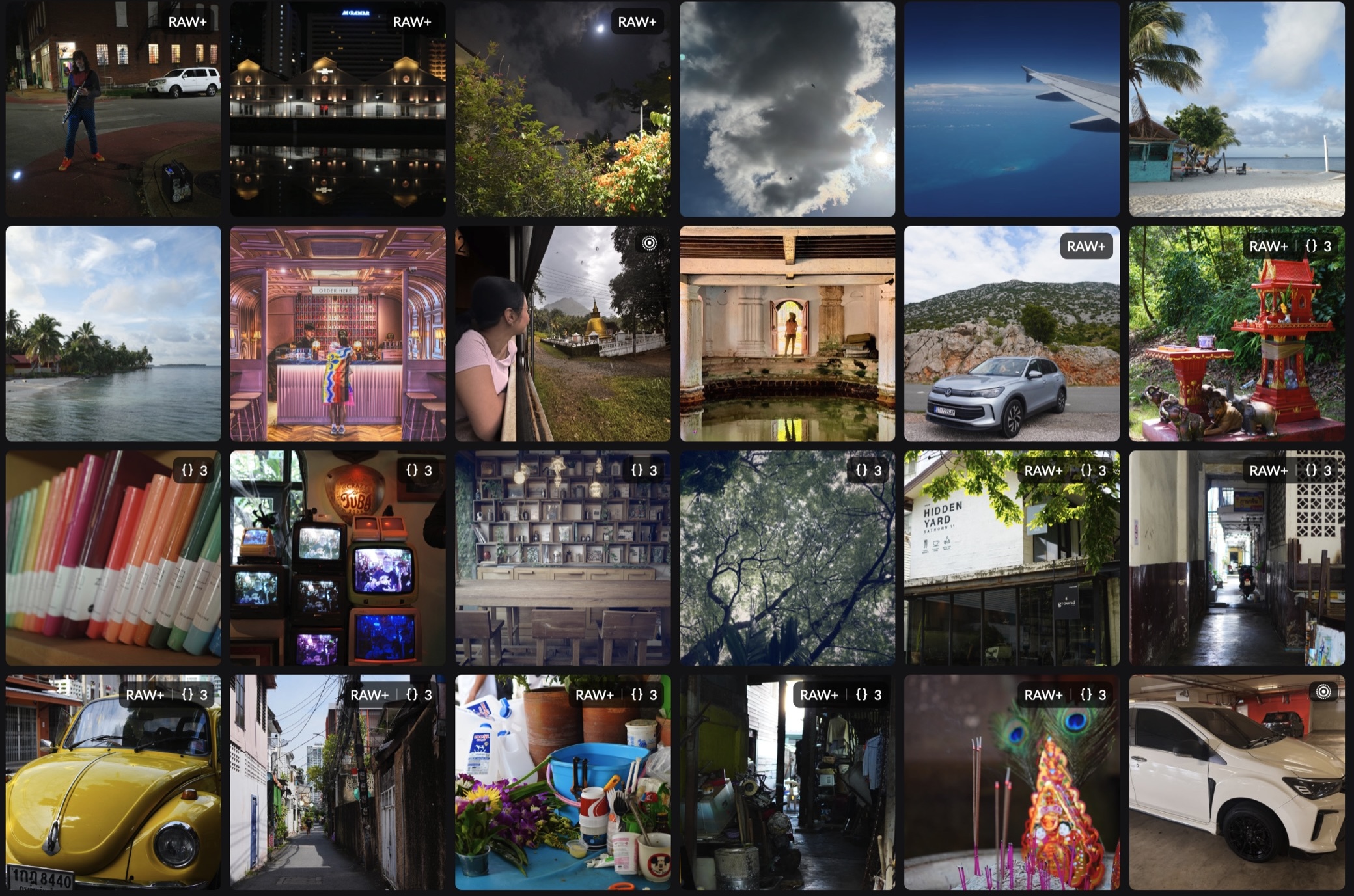
Stacks
Twenty frames. One tile.
Bracket for HDR or hold the shutter down for a burst, and most libraries show you every frame, one after another. 1k Words reads each photo's exposure details and keeps the frames of one moment together.
Exposure brackets
Shots seconds apart at different exposures become one stack, with the middle exposure as its cover. Manual brackets are told apart by shutter speed, and back-to-back brackets are split where the exposures start over.
Bursts
Frames shot moments apart at the same exposure are kept together, from any camera, not only an iPhone. The burst ends where the exposure changes or the shooting pauses.
RAW+JPEG and Live Photos
A raw file and its JPEG are one photo, marked RAW+. A Live Photo's video plays when you hover over it, HDR video included.
Five tiles elsewhere, one per frame
One tile in 1k Words, its cover the 0 EV frame
Compared
Where it differs from Apple Photos
Apple Photos is a lovely place for iPhone pictures. 1k Words is for when your photos come off a memory card.
| 1k Words | Apple Photos | |
|---|---|---|
| Exposure brackets | One tile per bracket, from any camera, with the middle exposure on top | One photo per frame |
| Bursts from a camera | One tile per burst, found by timing and exposure, from any camera | Grouped only when the iPhone marked them as a burst |
| Where originals live | Plain folders by day, such as Originals/2026/10/15, on any drive | Inside the Photos library package |
| Several libraries | Side by side in the sidebar, each on its own drive | One at a time, chosen as Photos opens |
| Backup and sync | Your own S3-compatible bucket, through sandboxed plugins | iCloud Photos |
| Source code | Open source, under the LGPL-3.0 | Closed |
Features
Made for reviewing a day’s shoot
A native Mac app, built in Rust. The grid only draws the photos in view, so a big library scrolls as easily as a small one.
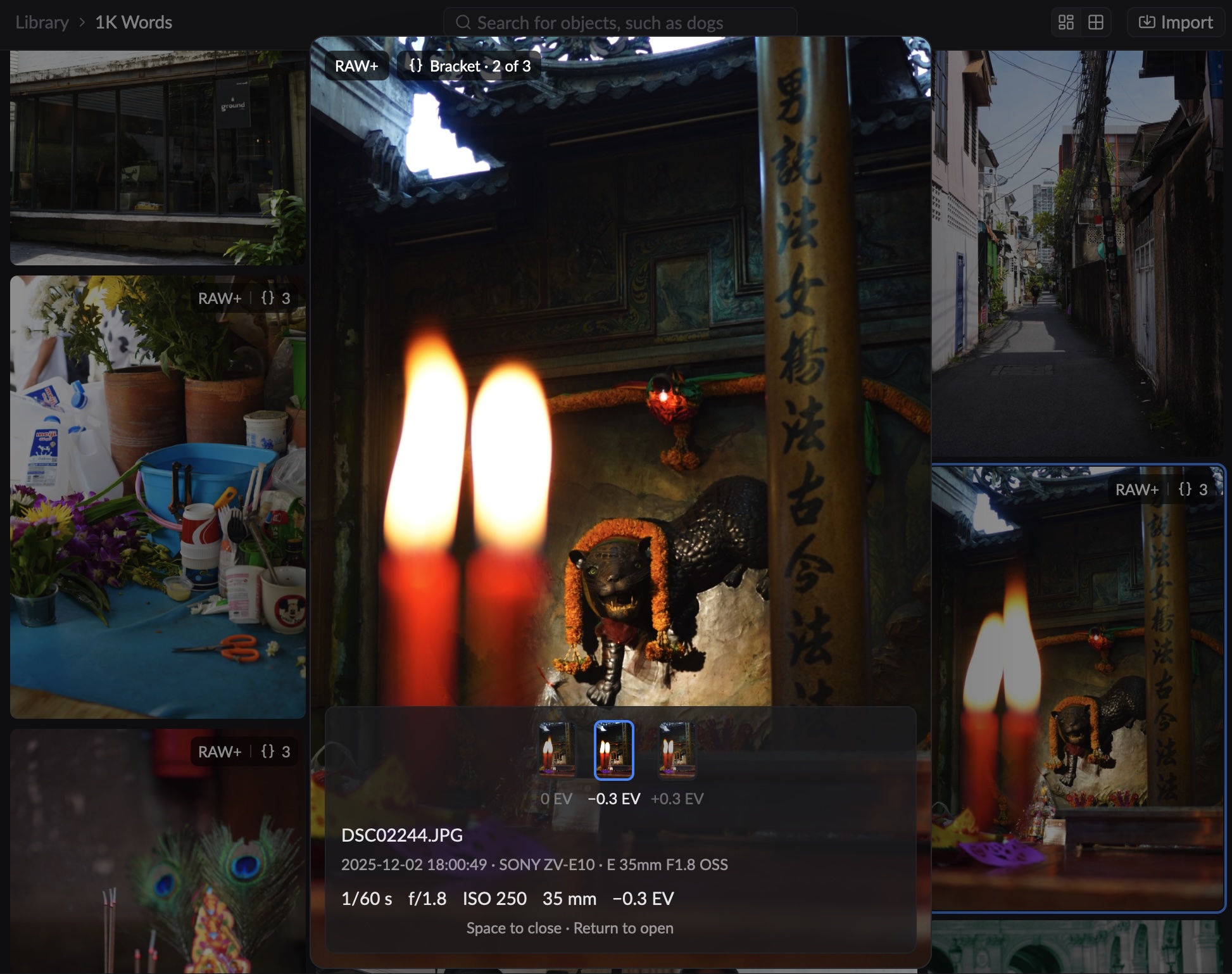
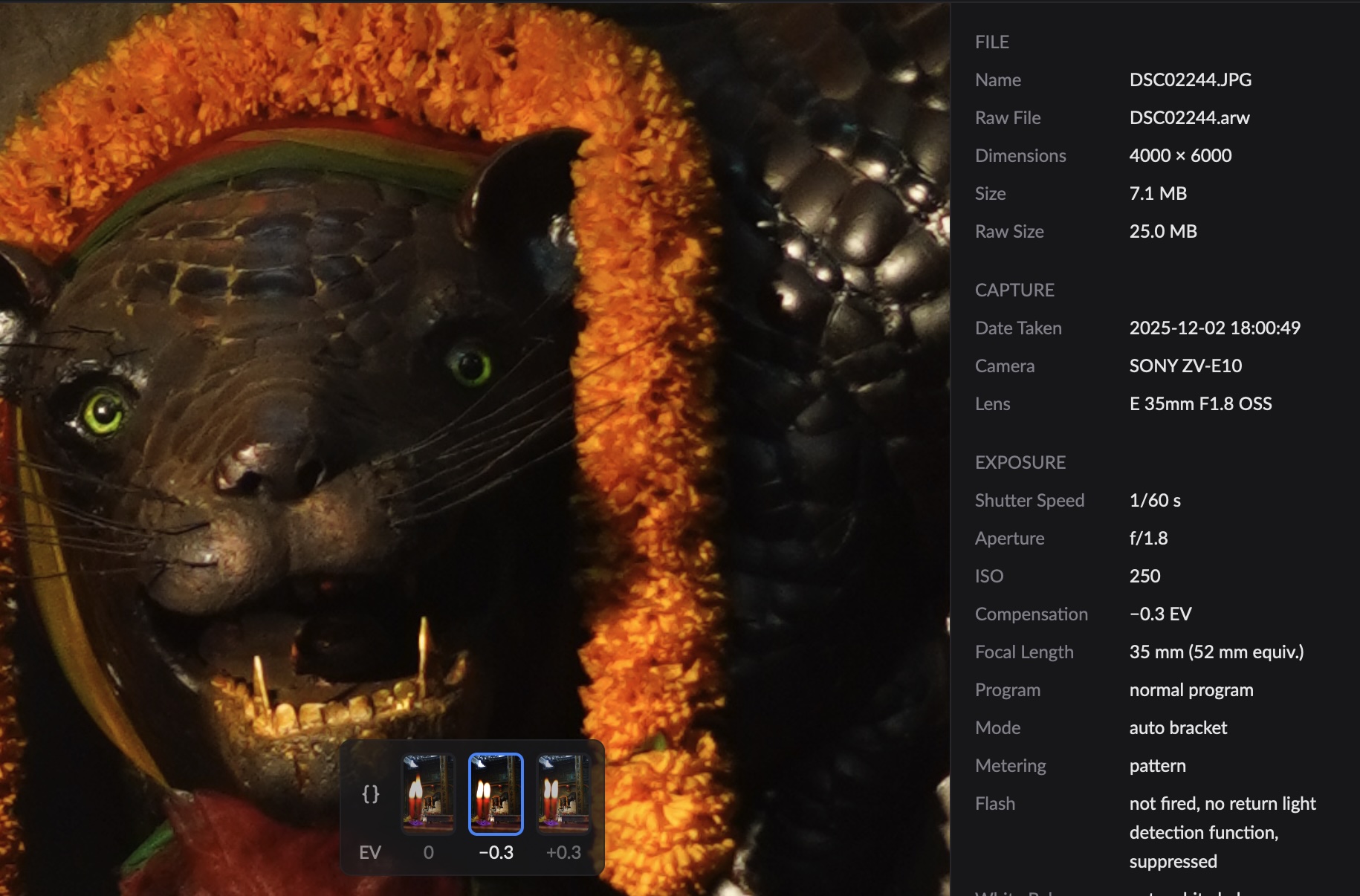
A quick look
Search what’s in them
Straight from the card
Originals you can’t break
Every format you shoot
Albums in albums
Storage
Your photos, your drives, your bucket
No account and no lock-in. A library is a folder you can open in Finder; backups go where you point them.
- On your drivesEach library is a folder of originals, filed by day, on your Mac or an external drive. Keep as many as you like.
- In your bucketBack a library up to any S3-compatible storage. Thumbnails go first, then the originals. Plugins are sandboxed: they only reach the hosts you set.
- On every MacSync the catalog between your Macs through a catalog server, and each shows the library's thumbnails. Open a photo whose original is elsewhere and it's downloaded; pin an album to keep it on this Mac.
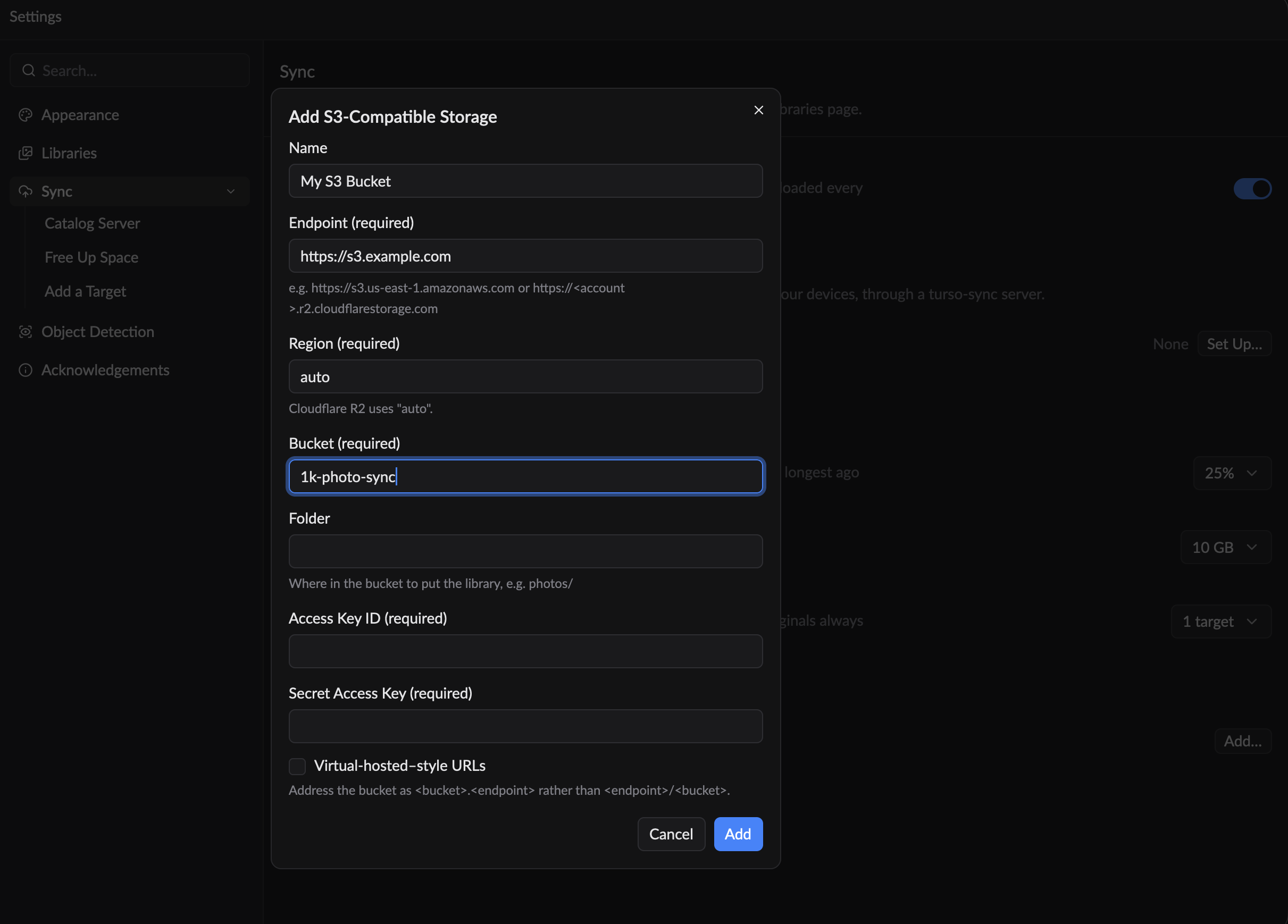
Free up space on its own
Set how much of the drive originals may take, and 1k Words removes the ones you haven't wanted in longest, but only once enough backups are confirmed. Raw files and the extra frames of a bracket go first; pinned photos never do.
Get started
Install it in a minute
1k Words is for Macs with Apple silicon, running macOS 13 or later. It's free, from GitHub.
Download it
Get the latest release from GitHub: the zip ending inmacos-arm64.Move it to Applications
Unzip it, and drag 1k Words into your Applications folder.Let macOS open it
Releases aren't notarized by Apple yet, so macOS quarantines the download and may say the app is damaged or can't be checked. Run this once in Terminal to lift the quarantine, then open 1k Words as usual.
xattr -dr com.apple.quarantine "/Applications/1k Words.app"Rather build it yourself? It takes Rust and a few Homebrew packages: the README has the steps.